The Drift
Google Home, but for your dog. That was the whole brief. One line, from an Entrepreneur in Residence named Hannah Franklin, and it was enough.
We started with hardware — the world’s first Matter smart home scent diffuser and supporting controllers. Then, we remembered hardware is hard, and in this case a little too narrow, so we pivoted to something more immediate: a single tap on a phone that sets your home’s lights, temperature, blinds, and audio to the conditions a dog finds soothing while you’re away.
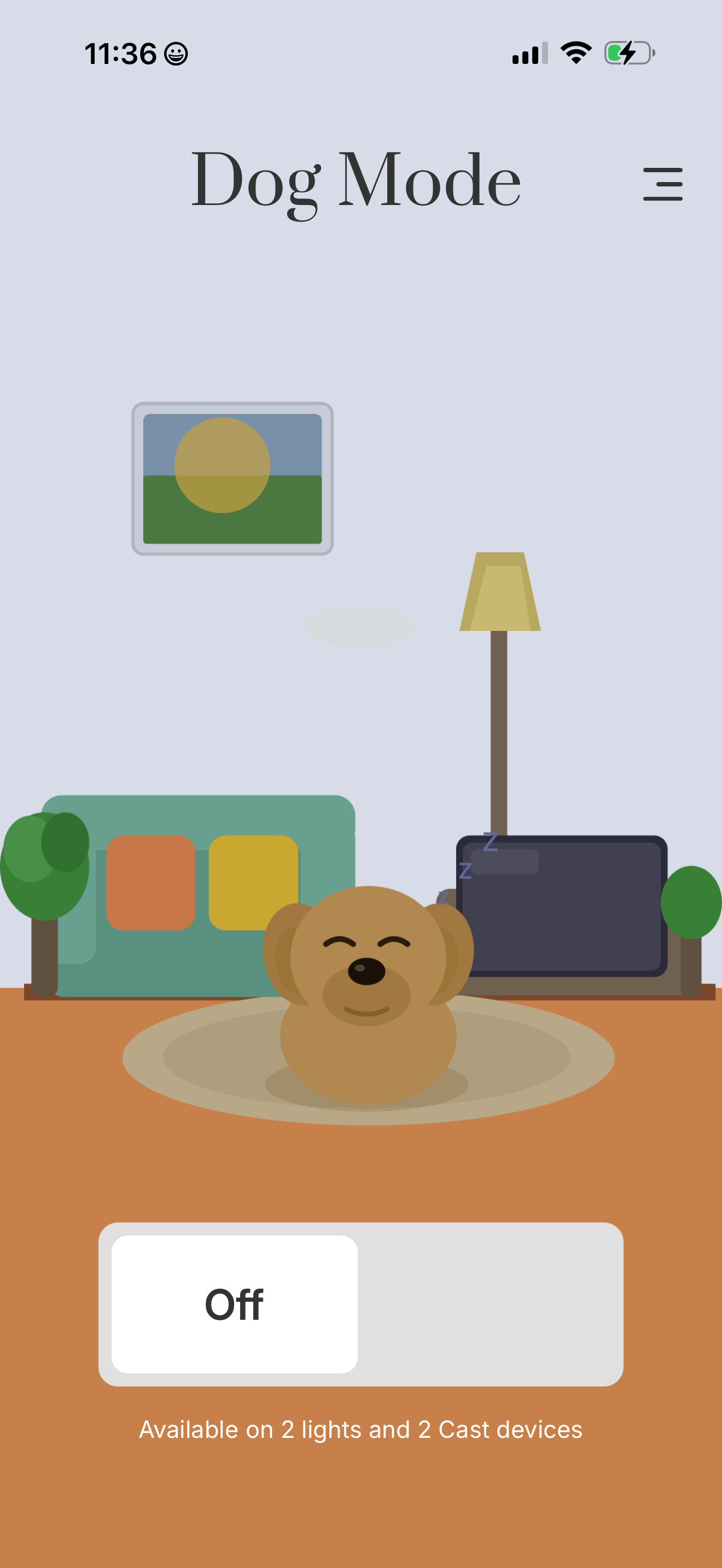
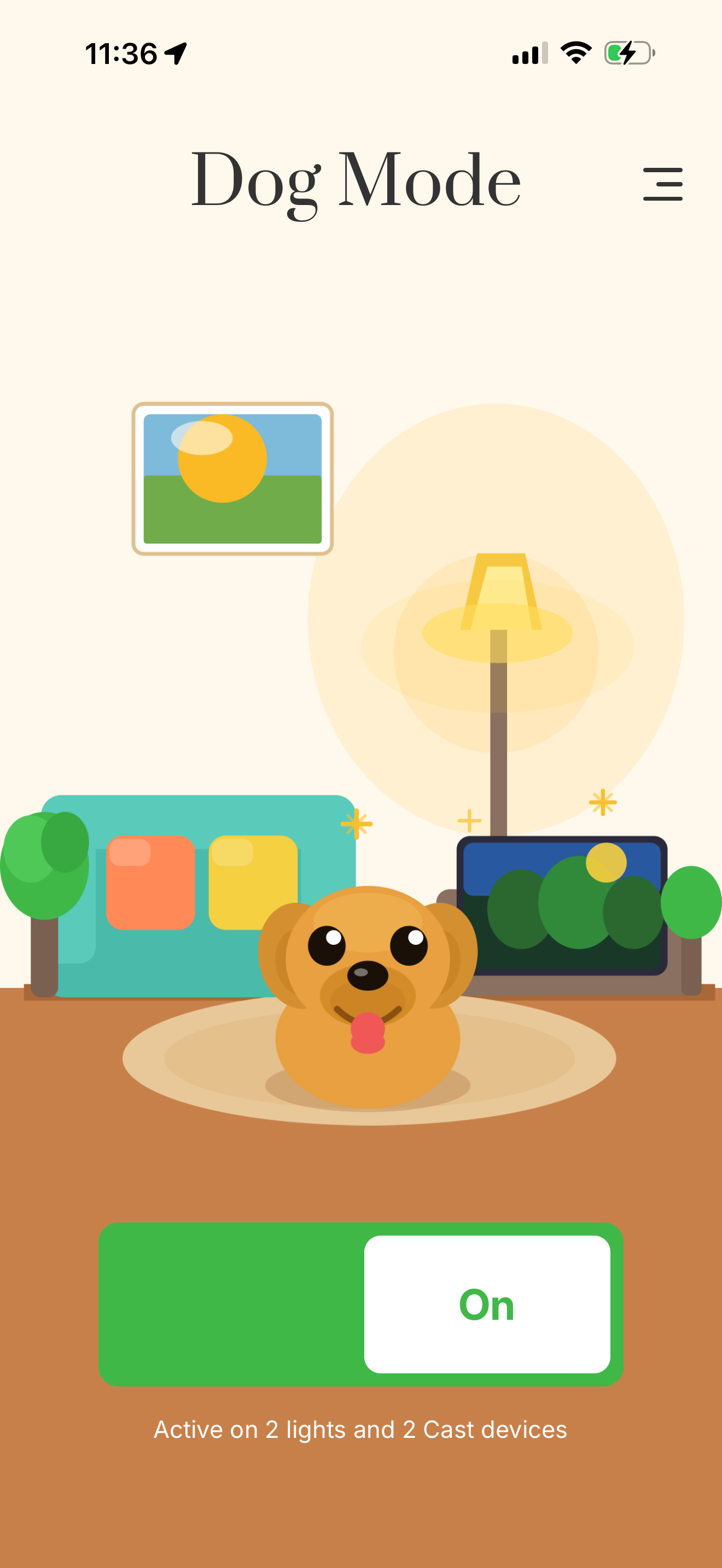
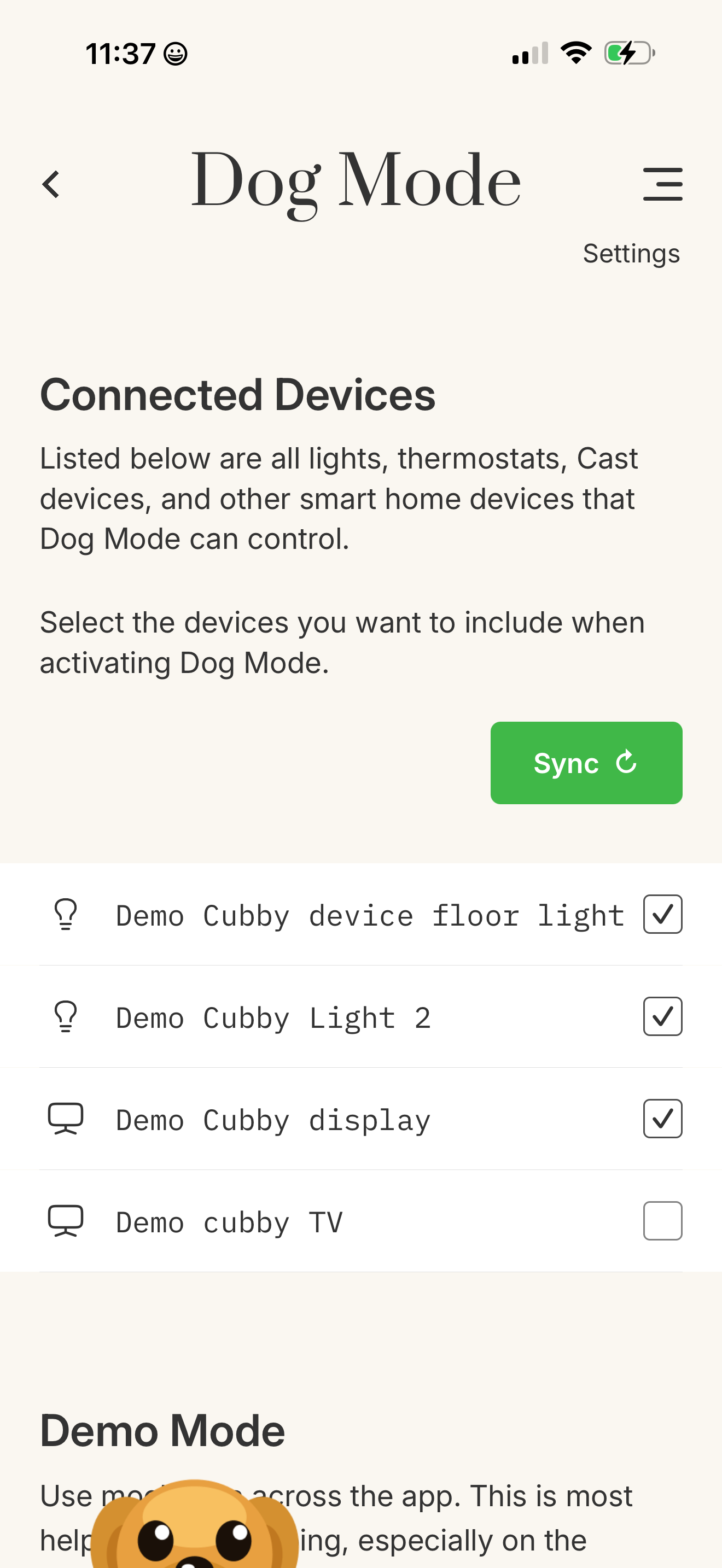
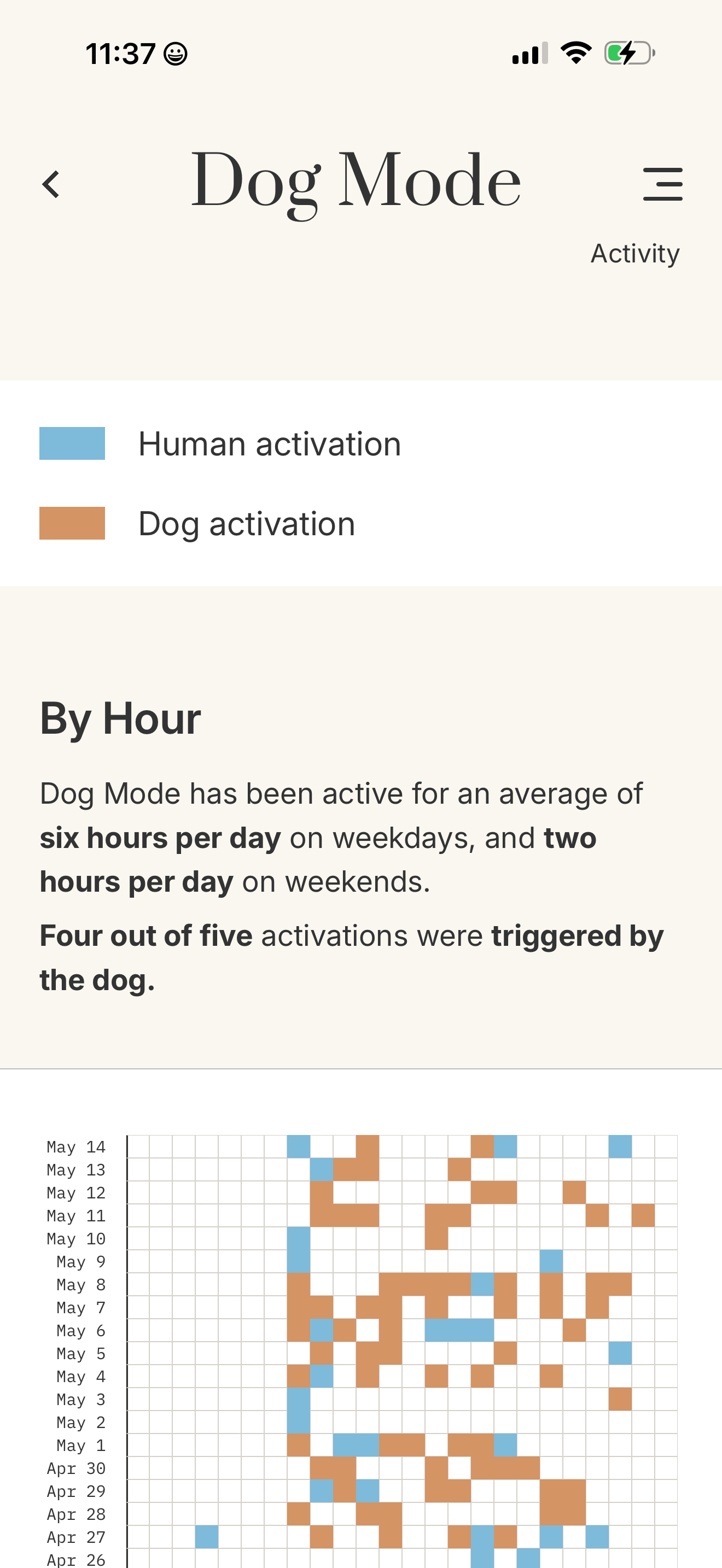
The four core screens of the Dog Mode iOS app.
The Slice
The result was total slop, the first time I handed Claude (Opus 4.6) a hi-fi Figma mockup and asked it to build the React Native screen in TypeScript. A photocopy of a photocopy — the shapes were correct, the labels were where they belonged, but there was no attention to detail; the relationship between type sizes, the spacing between elements, the specific shade of blue that clicked with me — the machine just averaged them away.
I quickly realized I needed to throttle the LLM. Scope its work. Dole out my requests to the mighty beast. Instead of passing in the whole screen, I started feeding slices: literal screen grabs of sections of the mockup. A navigation bar. A card. A settings row. Scoped, specific, buildable. Quality came back immediately.
An example of three slices, fed to the model one at a time.
The model was fast and capable. The design, the understanding of the underlying engineering complexity, the order of operations — those are the contributions of the human.
The Check
The last 20% — the spacing that’s almost right, the type size that’s close but inconsistent, the color that’s a few points off the palette. The accretion of bugs from the statistical model. They are drift.
That little bit of drift in the UI is what causes a product to go from looking pro and tight, to one that looks like it was carelessly constructed. I don’t want to be part of the AI slopfest, so I built a tool called DriftCheck to chop the slop at each hop.

Reference — matches the spec

Output — two drifts flagged
DriftCheck is a visual linter for LLM-assisted UI work. It accepts a design.md file and a screen capture of your interface, and returns an annotated image — translucent amber strokes over each region that has drifted, plus a JSON report of the same findings.
You can run it in two ways: as a standalone CLI, or install it as an MCP server so that your coding agent can perform visual QA in your dev loop. It’s especially useful at the CI layer to flag drift before it gets merged into production.
The Dog Mode design.md — what good looks like, written down.
The Point
The quality of an AI-assisted build is a direct function of the quality of the input — not just the prompt, but the judgment behind it. Be thoughtful in the slices you’re giving to the vision model. Be precise in the prompt. And, QA the output as you build.
Read more about Dog Mode at dogmode.mooncreativelab.com and make your best pal happier in your home by downloading the app in the Apple App Store.
DriftCheck is open source and freely available, so please give it a try!